An iPhone app that listens while you sleep
Version 1.0
Find out whether you snore, and when, without buying anything or signing up for anything.
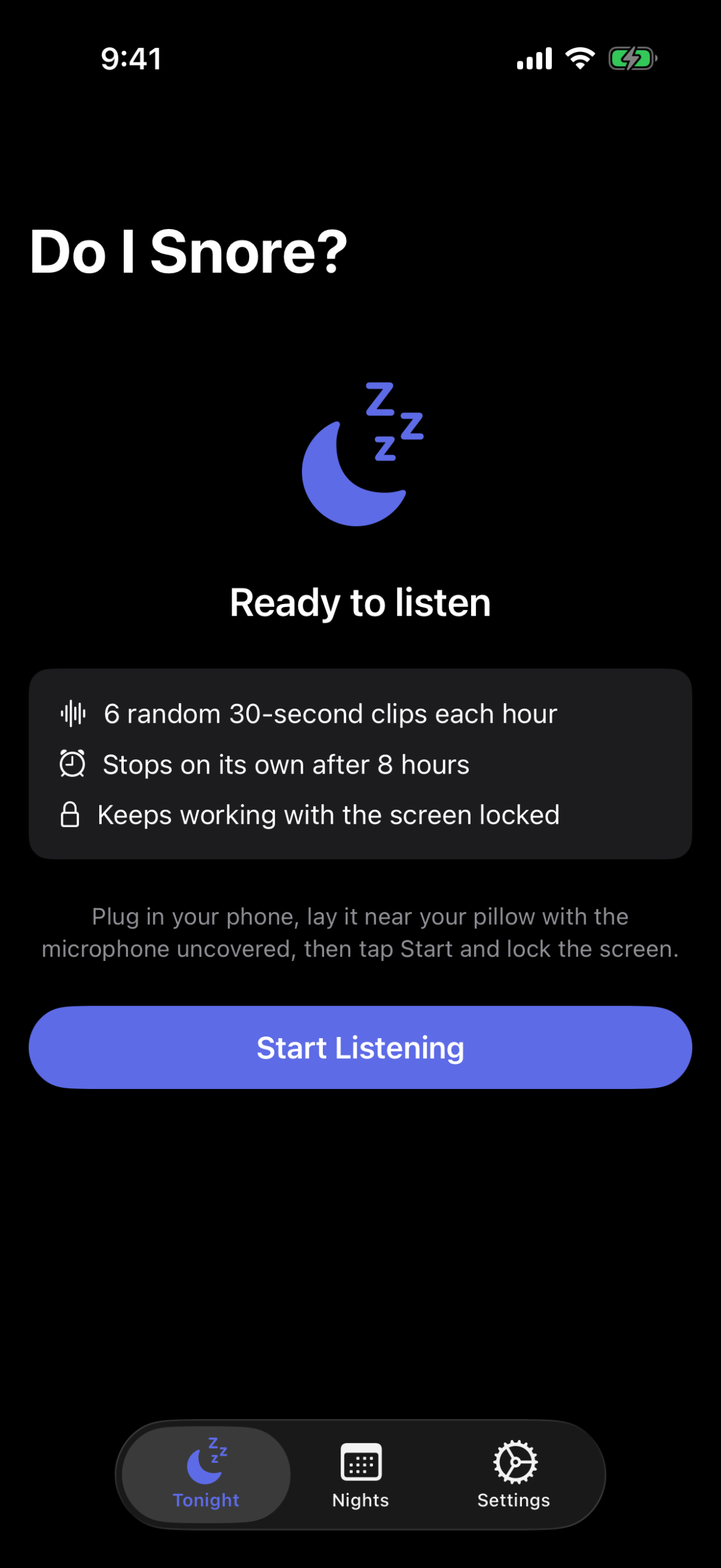
Put your iPhone on the nightstand, tap Start, and lock the screen. Do I Snore listens all night and saves a handful of short clips at random moments. In the morning you get a loudness timeline of the night and can play the clips back, so you hear for yourself.
Requires iOS 17 or later · iPhone · Free, no ads, no account
How it works
- Each hour is split into equal time slots, and one clip is recorded at a random moment inside each slot. You can’t predict when it will listen, so the clips are an honest sample of the night.
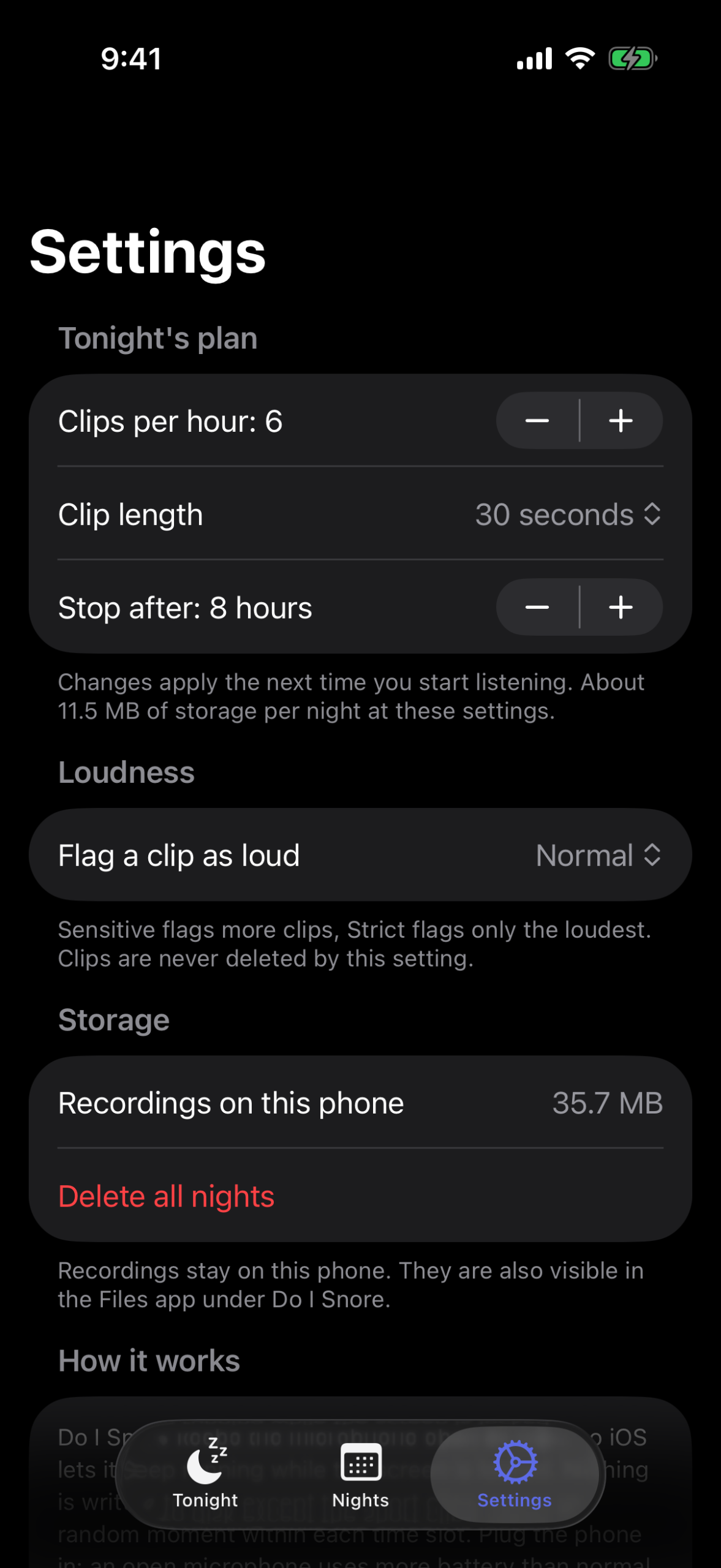
- Choose how many clips per hour (1 to 12), how long each one is (15 to 60 seconds), and when to stop (1 to 12 hours). The defaults are 6 clips of 30 seconds each hour, stopping after 8 hours.
- Keeps working with the screen locked. Phone calls and alarms interrupt a clip; listening resumes when they finish.
- Need to check it’s working? “Record a clip now” captures one immediately.
In the morning
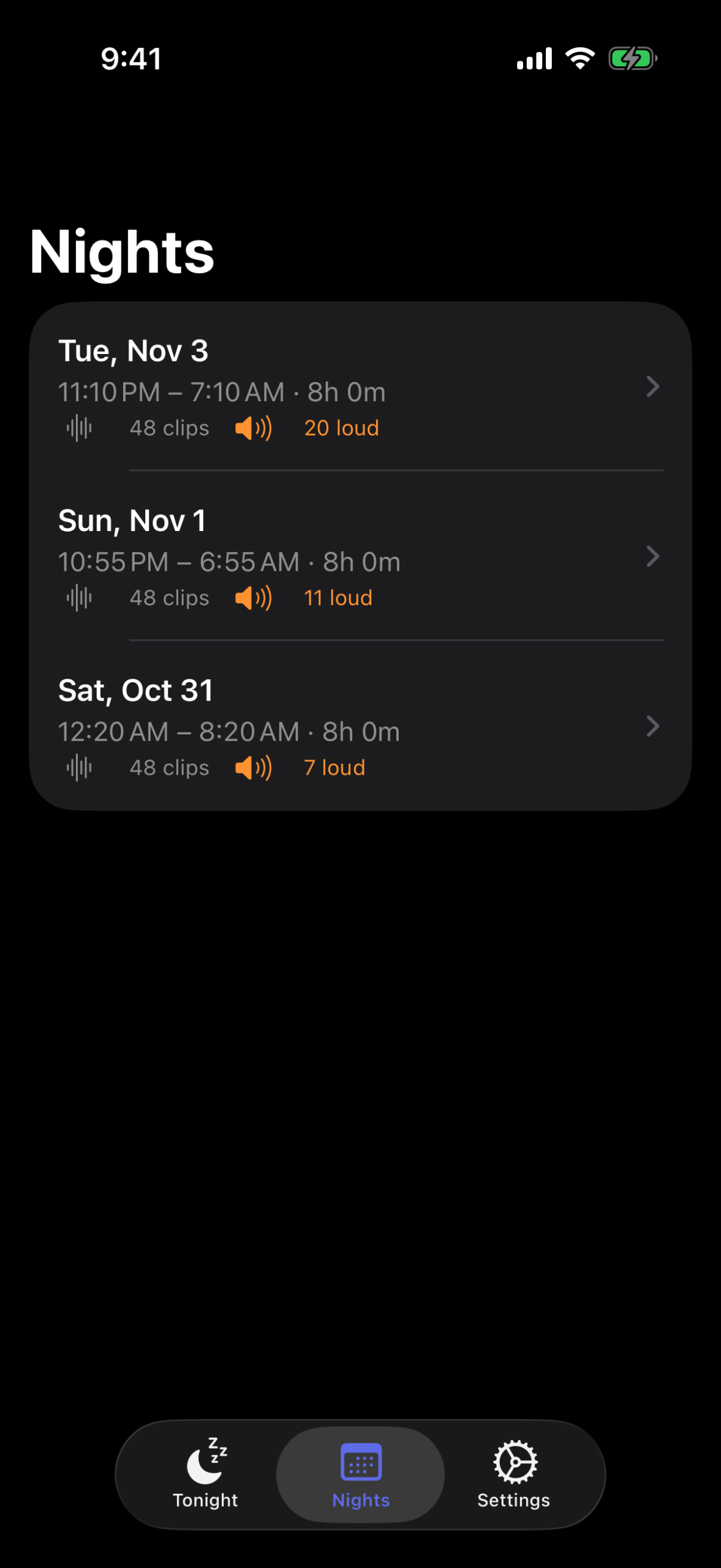
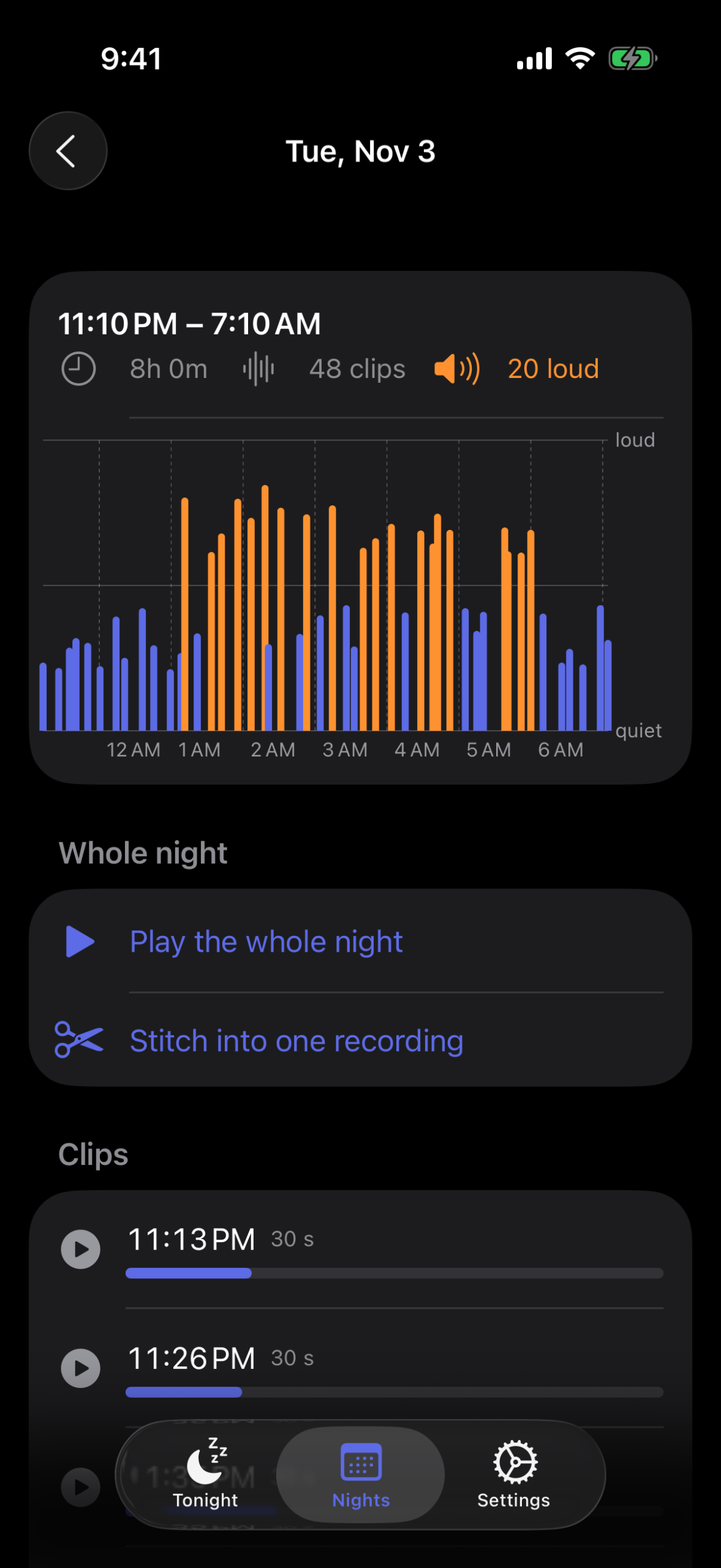
- Every night gets a loudness timeline: one bar per clip, with the loud ones flagged. See at a glance whether the noise came at 1 a.m. or 5 a.m.
- Tap any clip to hear it, or play the whole night back to back.
- Set how sensitive the loud flag is: Sensitive, Normal or Strict. It only changes what gets flagged; no clip is ever deleted by it.
- “Stitch into one recording” joins a night’s clips into a single audio file, with a second of silence between clips, that you can share with a partner or a doctor using the normal iPhone Share Sheet.
Your recordings stay on your phone
- Clips are ordinary audio files saved on your iPhone, and nowhere else. The app has no server, no account, no ads and no analytics, and it never connects to the internet.
- You can see and copy the files yourself in the Files app, under Do I Snore.
- Swipe to delete a night, or delete everything at once in Settings. Settings also shows how much space the recordings are using: about 1.4 MB per hour at the default settings.
Tips
- Plug the phone in. An open microphone uses more battery than normal standby.
- Lay the phone near your pillow with the microphone uncovered. A case that covers the bottom edge muffles it.
- Do I Snore is not a medical device and does not diagnose anything. If what you hear concerns you, take the recordings to your doctor.
Screenshots